6 Procreate Tutorials Every Digital Artist Should Try
By Jennifer Parr
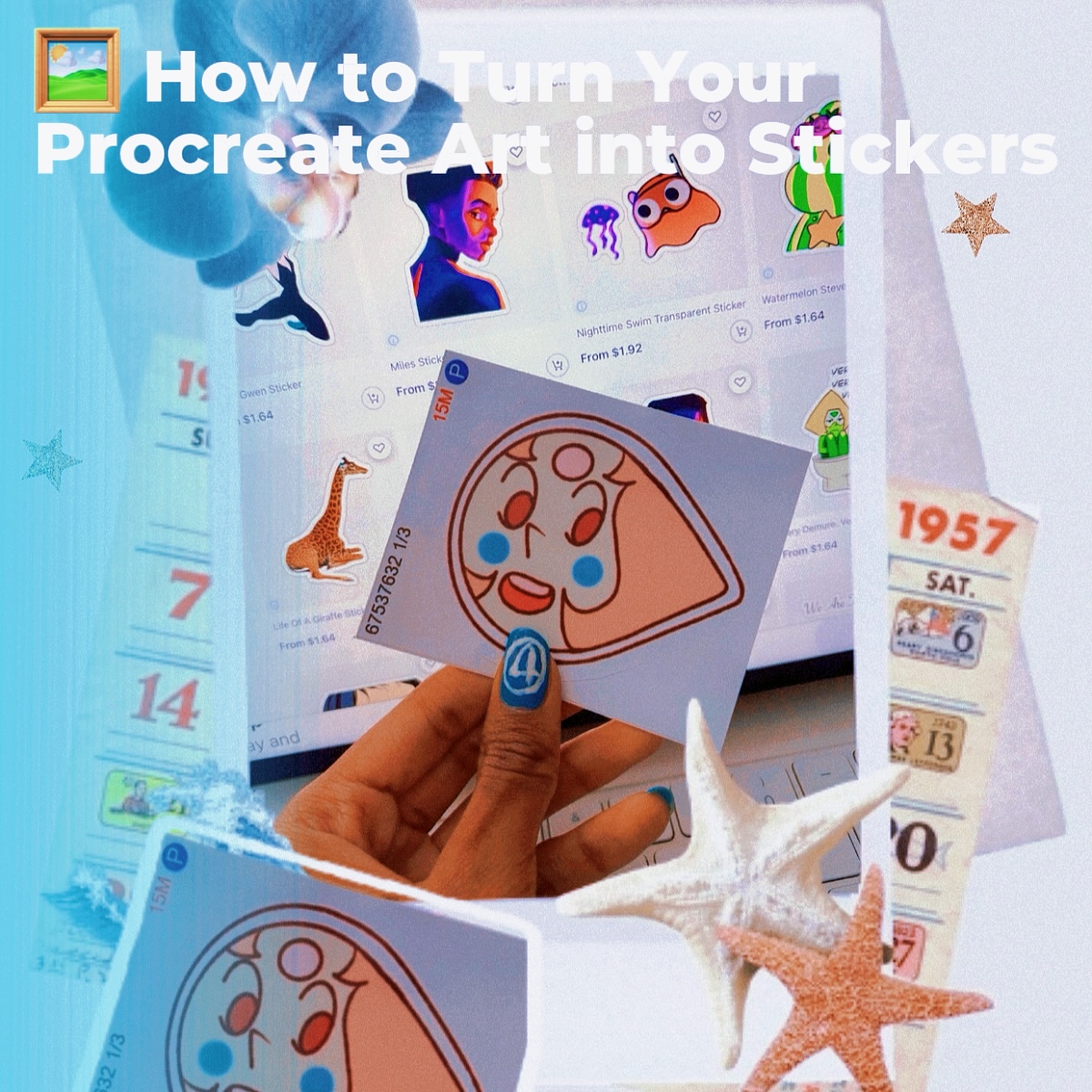
Digital art opens up endless creative possibilities — and with tools like Procreate, it’s easier than ever to explore new styles, techniques, and workflows. Whether you’re a beginner learning the ropes or an experienced artist looking to expand your toolkit, DIYvinci’s tutorials will help you sharpen your skills and unlock your creativity.
Here are six Procreate and digital art tutorials to dive into:
1. How to Turn Your Procreate Art into Stickers
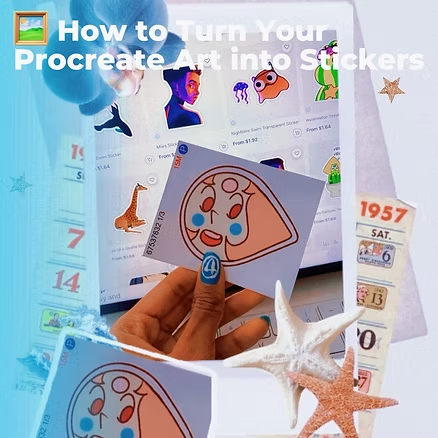
Bring your digital creations off the screen and into the real world! This tutorial shows you how to prepare your artwork as high-quality stickers — perfect for selling, gifting, or personalizing your journals, laptops, or gadgets.
2. Diamond Paintbrush in Procreate
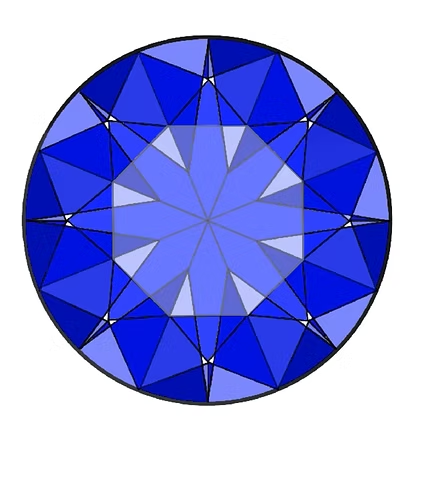
Learn how to create a custom diamond-effect brush that makes your artwork sparkle. It’s a fun way to add texture and shine to illustrations, lettering, or digital designs.
3. Digital Scratch Art Technique
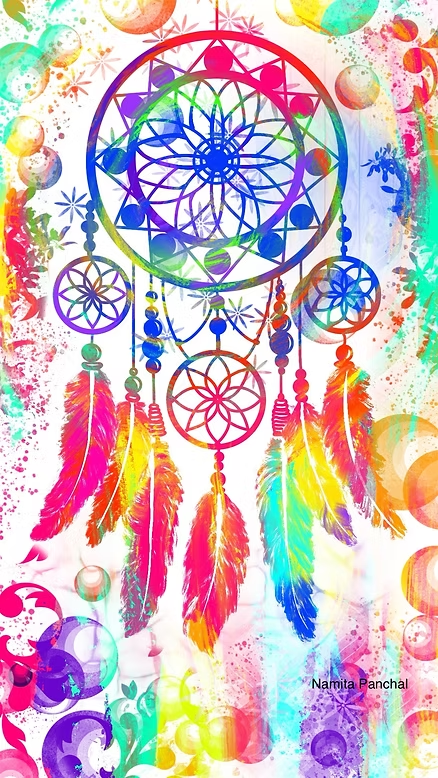
Remember those colorful scratch art sheets from childhood? This tutorial recreates that nostalgic effect digitally in Procreate. It’s playful, surprising, and a great way to experiment with contrast and layering.
4. Create Vector-Style Painting from a Landscape Photo

Transform an ordinary photo into bold, graphic-inspired art. This tutorial walks you through simplifying shapes and colors for a striking vector-like finish — an excellent exercise for sharpening your design eye.
5. Pattern Design in Procreate
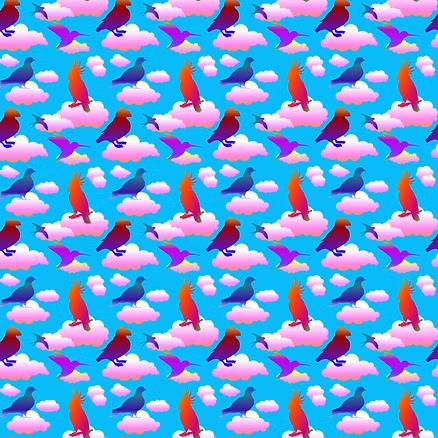
Take your doodles to the next level by learning how to create seamless digital patterns. This technique is especially useful if you want to design prints, wallpapers, or even surface designs for products like fabric or stationery.
6. Color Grading in Procreate (Inspired by The Thunderbolts)
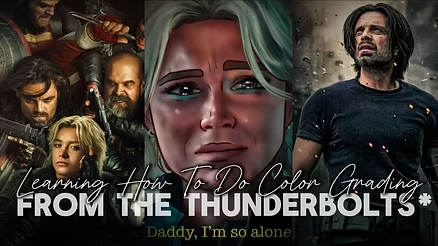
Learn how to use color grading to set the mood of your digital artwork. Inspired by The Thunderbolts, this tutorial demonstrates how tone and palette choices can completely change the feeling of a piece.
Why Digital Art Tutorials Matter
Procreate is powerful, but it can feel overwhelming when you’re just starting out. Tutorials like these break everything down into manageable steps while sparking ideas you might not try on your own. By experimenting with effects — from custom brushes to color grading — you’ll expand your creative toolkit and begin to discover your unique digital style.
Your Next Step
Pick one tutorial that excites you and spend an afternoon practicing. Once you’ve tried it, push yourself a little further: combine two techniques (like using your diamond brush in a repeating pattern!) to see what new possibilities emerge.
👉 Ready to explore more? Browse the full DIYvinci tutorial library.